
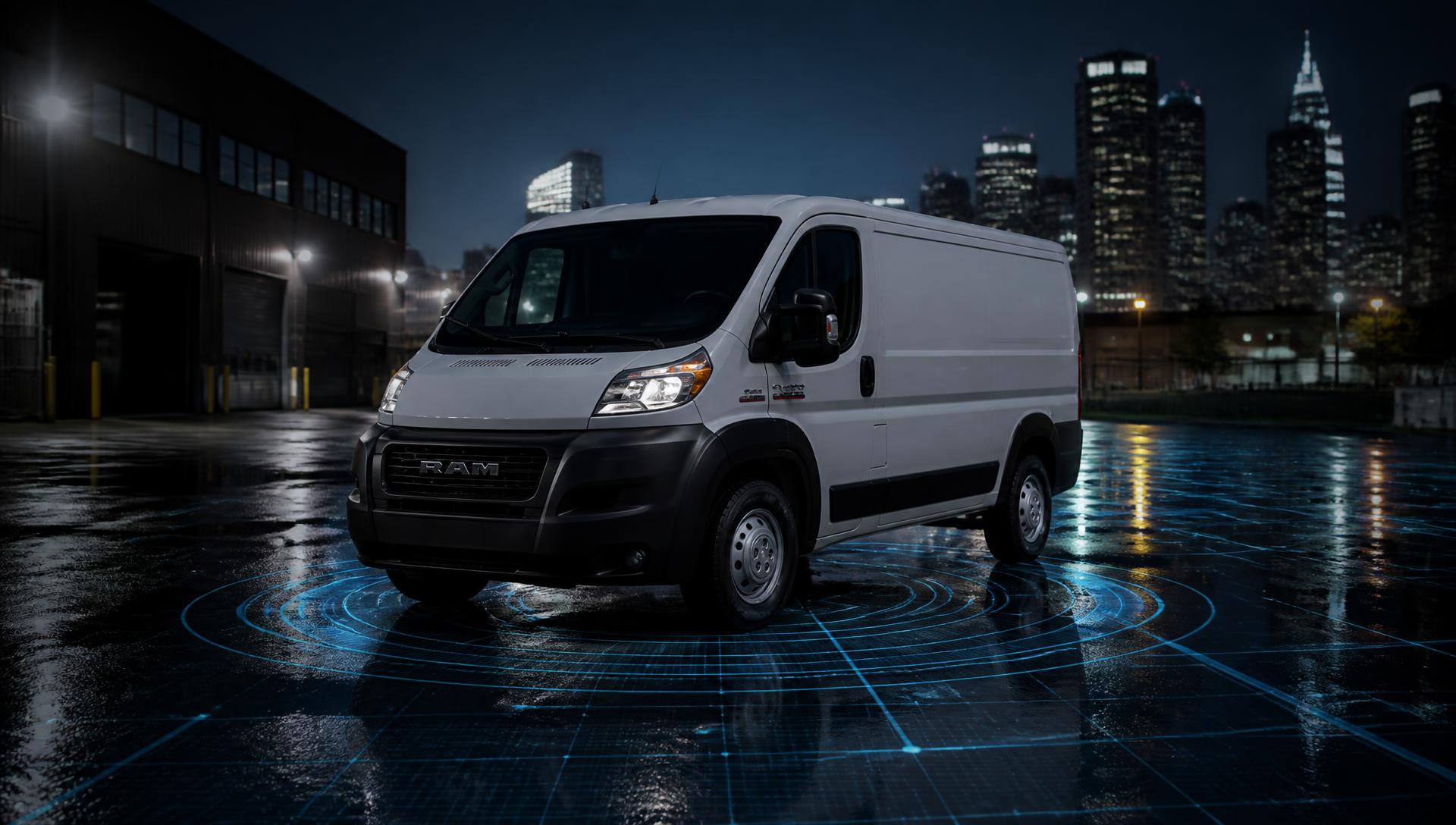

FleetSeeker™
Fleet Visibility & Tracking by PFX Logix
Fleet visibility
without the
complexity.
Turn the driver's phone into the tracking device. See vehicles, drivers, destinations and active shifts from one simple fleet dashboard.
Unit 101
Driver connected · Updated 18 sec ago
Illustrative example
Everything you need to know about where the fleet is.
FleetSeeker gives small operators the visibility normally associated with expensive telematics platforms while using hardware their drivers already carry.
Live Fleet Visibility
See active vehicles, drivers and last-known locations from one dispatch dashboard.
Phone-Based Tracking
The driver's smartphone supplies the GPS signal. No dedicated tracking hardware is required.
Shift Tracking
Location tracking begins with the driver's shift and stops when the shift ends.
Schedules & Vehicle Control
Match drivers to the correct vehicles and scheduled operating windows.
Tracking Health
FleetSeeker distinguishes Live, Delayed, Stale and interrupted tracking so dispatch understands how current a position really is.
Route History
Review recorded GPS activity and completed shifts on Mapbox-powered maps.
Know where they're going, not just where they are.
Dispatch can add a delivery destination and see estimated arrival time, remaining travel time and distance based on the driver's most recent valid FleetSeeker location.
ETA is calculated from actual recorded GPS location and Mapbox routing. FleetSeeker does not invent or interpolate positions.
Destination address
Set by dispatch
ETA
Mapbox routed
Time remaining
From last fix
Distance remaining
From last fix
Live tracking health
Live / Delayed / Stale
Last update age
Seconds since fix
Give the customer visibility without giving them FleetSeeker access.
Dispatch can generate a secure delivery-specific tracking link that customers can open without creating a FleetSeeker account.
ETA View
Shows destination, ETA and delivery progress without revealing the vehicle's precise location.
Precise View
Allows dispatch to intentionally share the current vehicle position when appropriate.
- No FleetSeeker customer account required
- Delivery/shift-specific link
- Manager controlled
- Revocable
- Automatically expires
- Limited customer-facing data only
- No driver personal information
- No internal fleet diagnostics
From scheduled shift to shift history.
- 1
Dispatch schedules the shift
Driver, vehicle, operating window and optional destination.
- 2
Driver opens FleetSeeker
The driver uses the FleetSeeker PWA on their phone and confirms the scheduled vehicle.
- 3
Driver starts the shift
Location tracking begins only while the shift is active.
- 4
Dispatch watches the operation
Live location, tracking health, destination and ETA appear in FleetSeeker.
- 5
Shift ends
Tracking stops and the route becomes part of Shift History.
Simple for the driver.
The driver does not need the full management dashboard. Their PWA focuses on the few things that matter during a shift.
- Scheduled shift
- Vehicle confirmation
- Start Shift
- Tracking Active
- End Shift
- Shift history
On supported Android devices, drivers can install FleetSeeker directly from the “Install FleetSeeker” option inside their driver account menu after signing in. Keeping FleetSeeker open and in the foreground provides the most reliable tracking.
Scheduled shift
06:00 – 14:00
Unit 101 · ProMaster
Location shared while the shift is running.
Illustrative example
No tracking box. No vehicle installation.
Traditional telematics
- Dedicated hardware
- Installation
- Device management
- Higher deployment cost
FleetSeeker
- Driver smartphone GPS
- PWA
- No hardware installation
- Fast deployment
- Designed for small fleets
FleetSeeker is a lightweight fleet visibility solution for operators that do not require dedicated hardware. It is not intended to replace every capability of an enterprise telematics system.
Who FleetSeeker is for
Put your fleet on the map.
Fleet visibility built for independent operators and growing delivery fleets.